



Skip to content

Cart

Your cart is empty

7 in 1 Trim Router Jig || PIONEER 3D

Sale price$39.99 Regular price$50.00

3D FILE (STLs) the Ultimate 7-in-1 Trim Router Jig

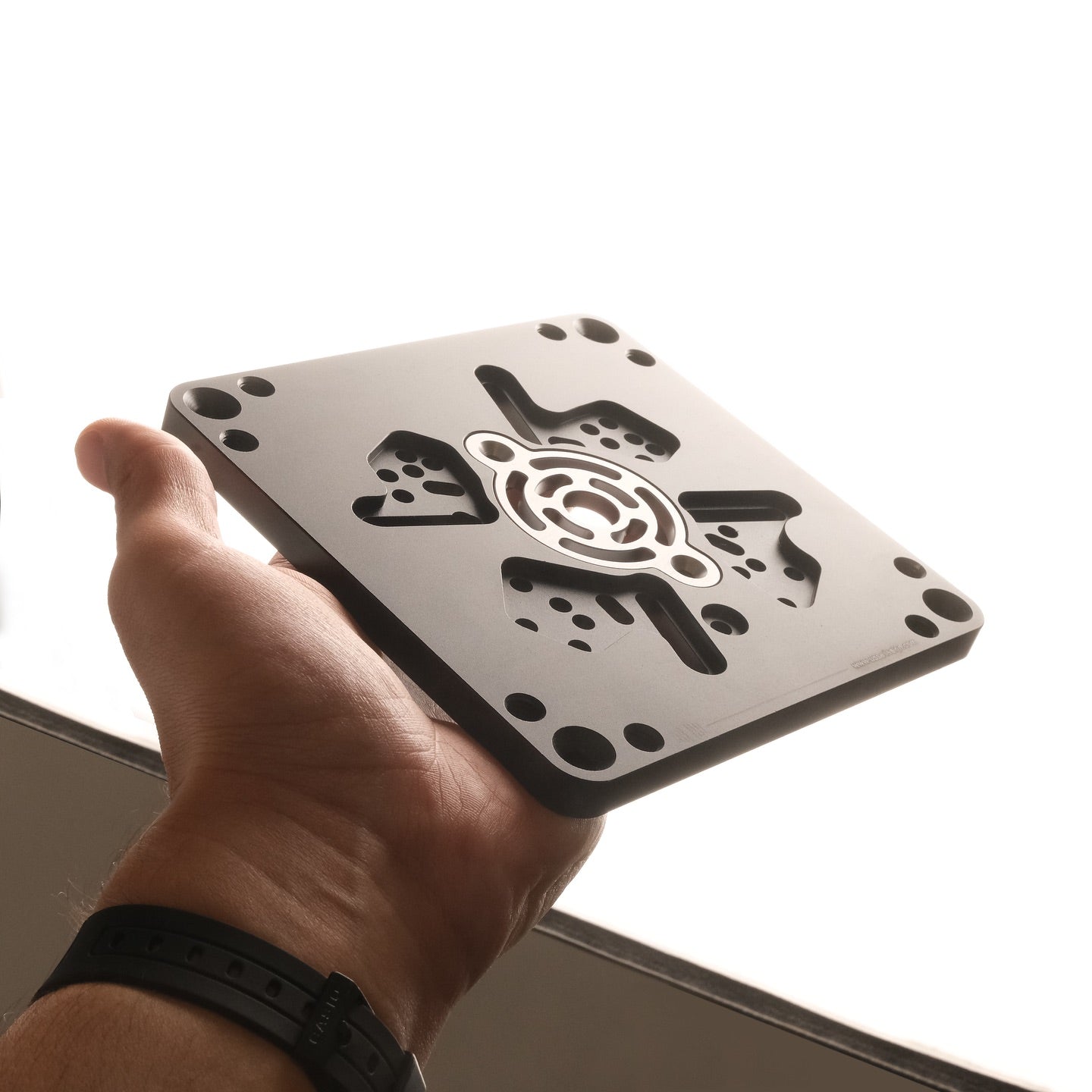
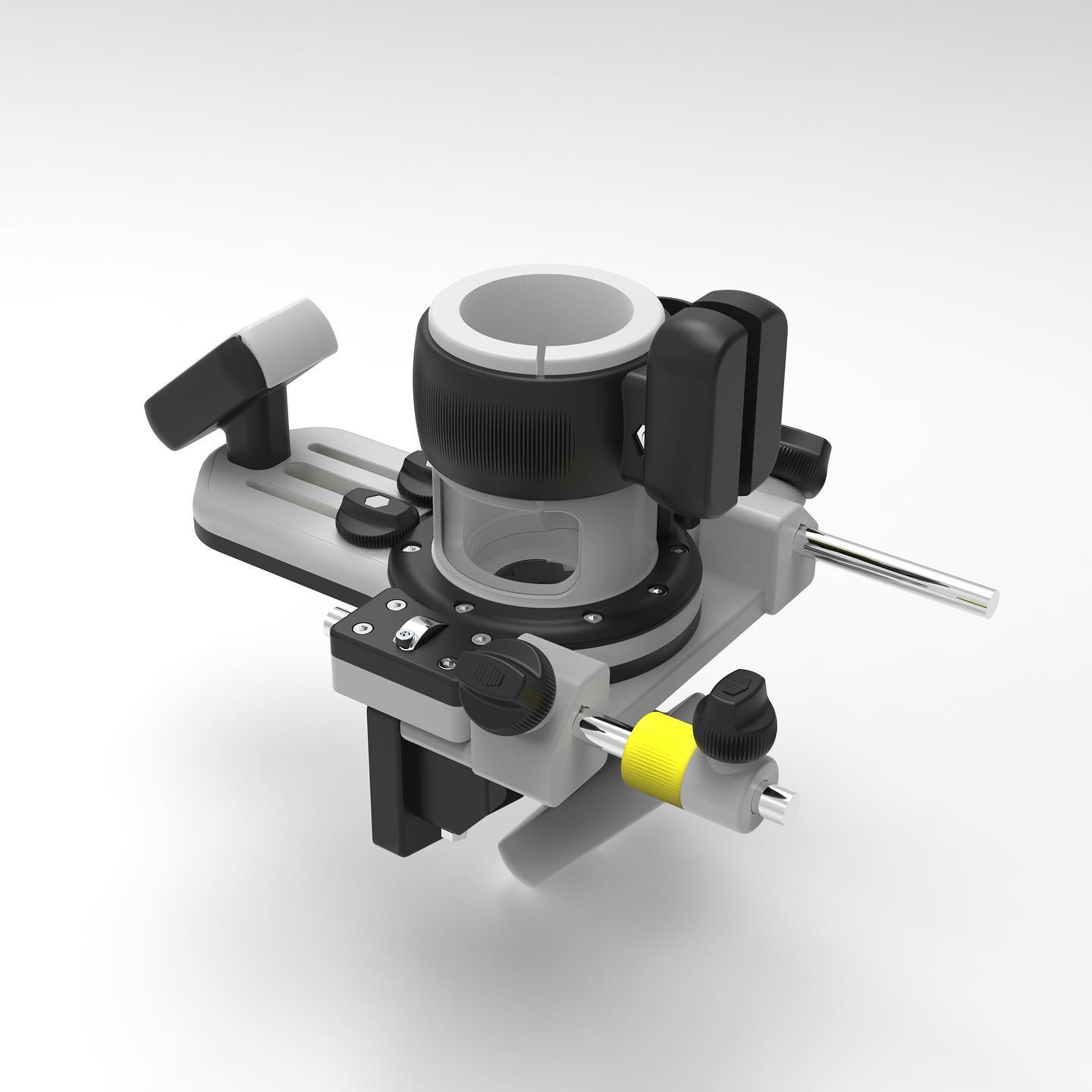
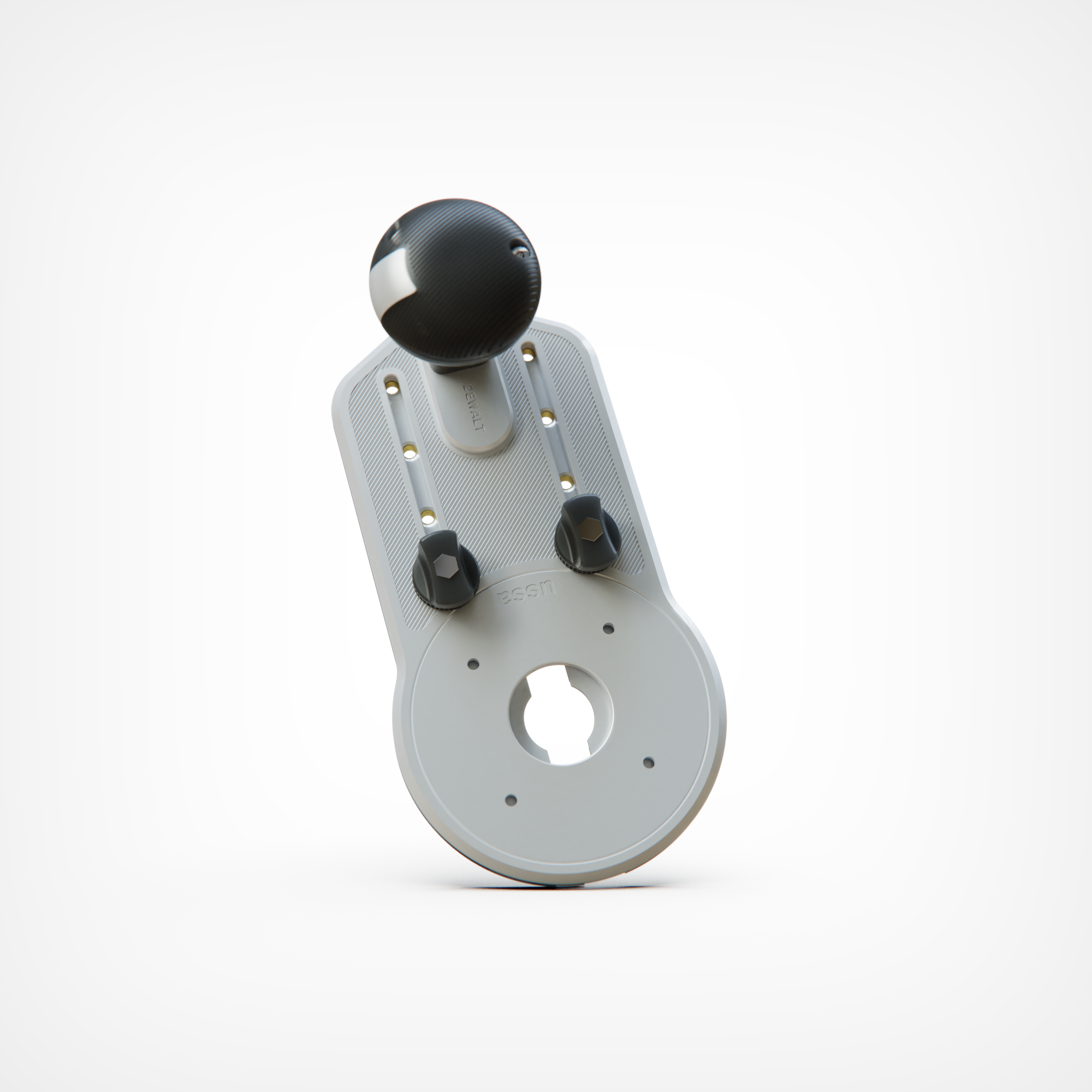
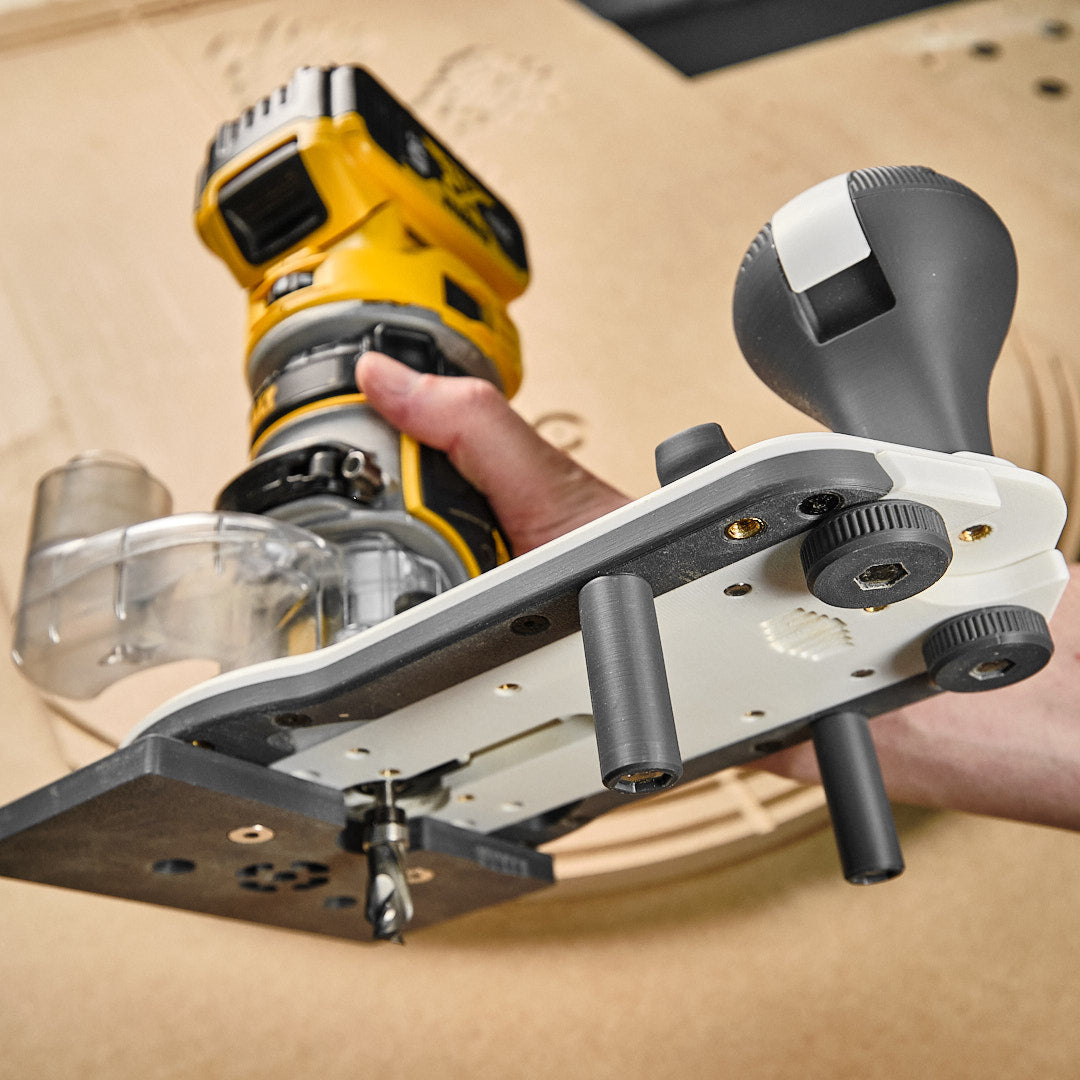
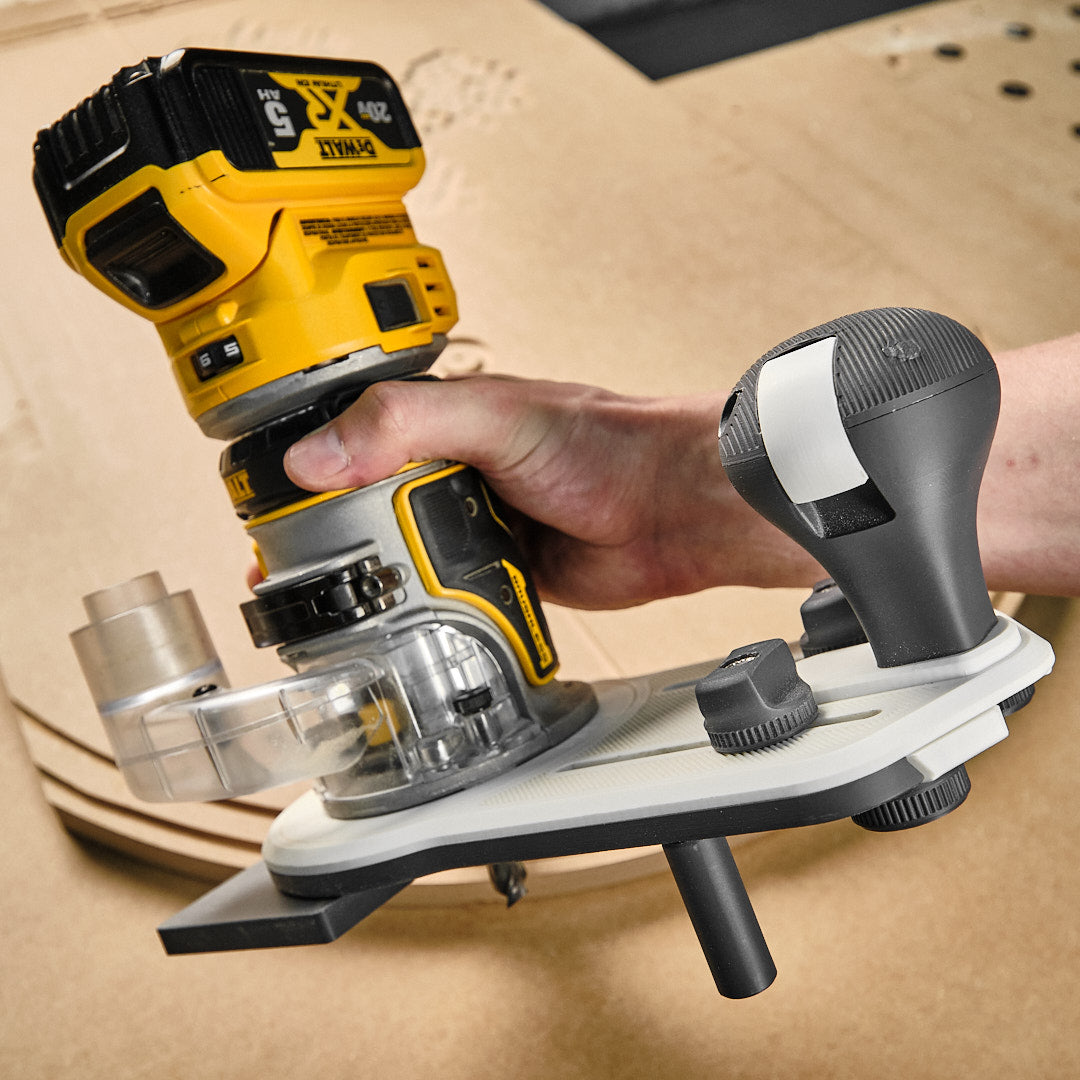
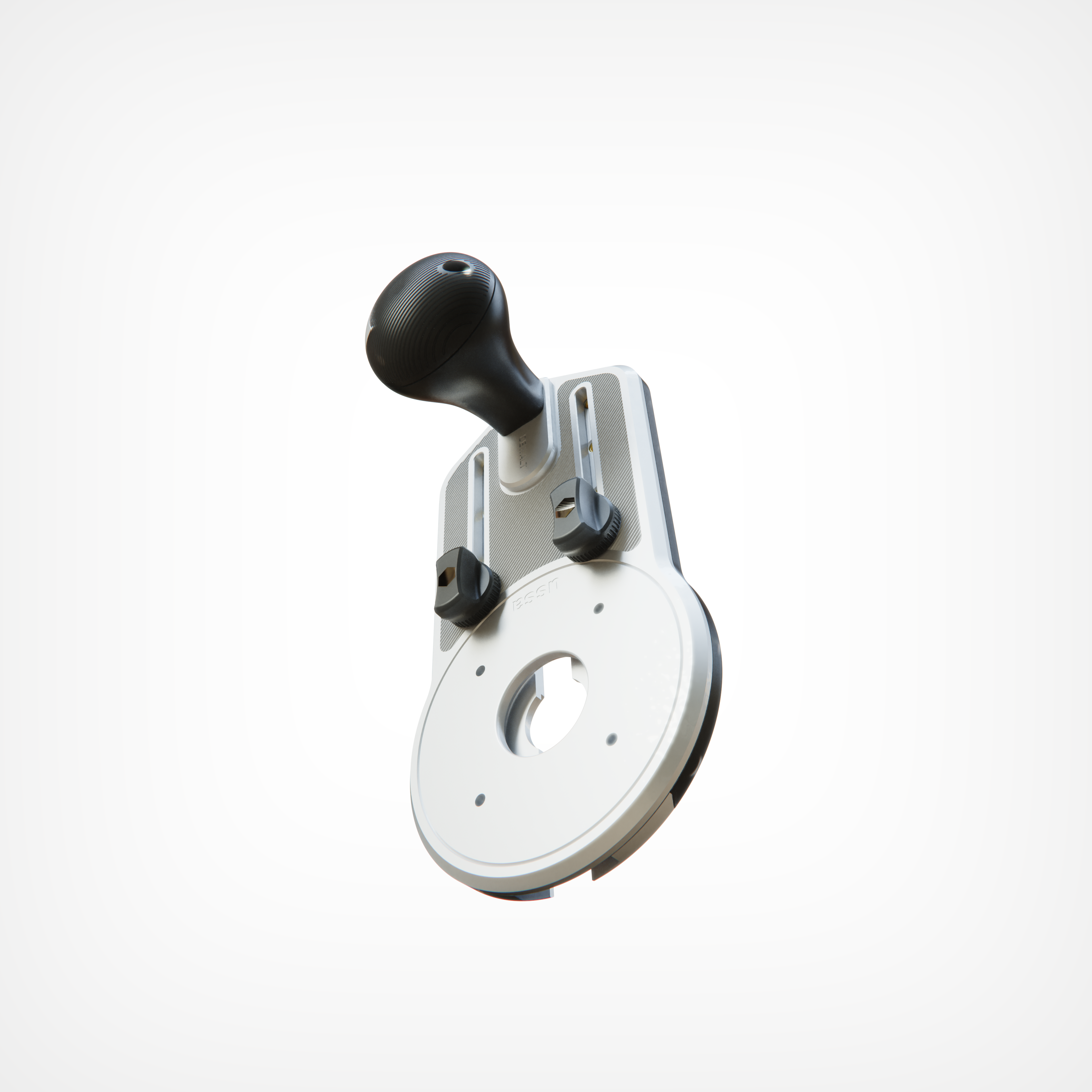
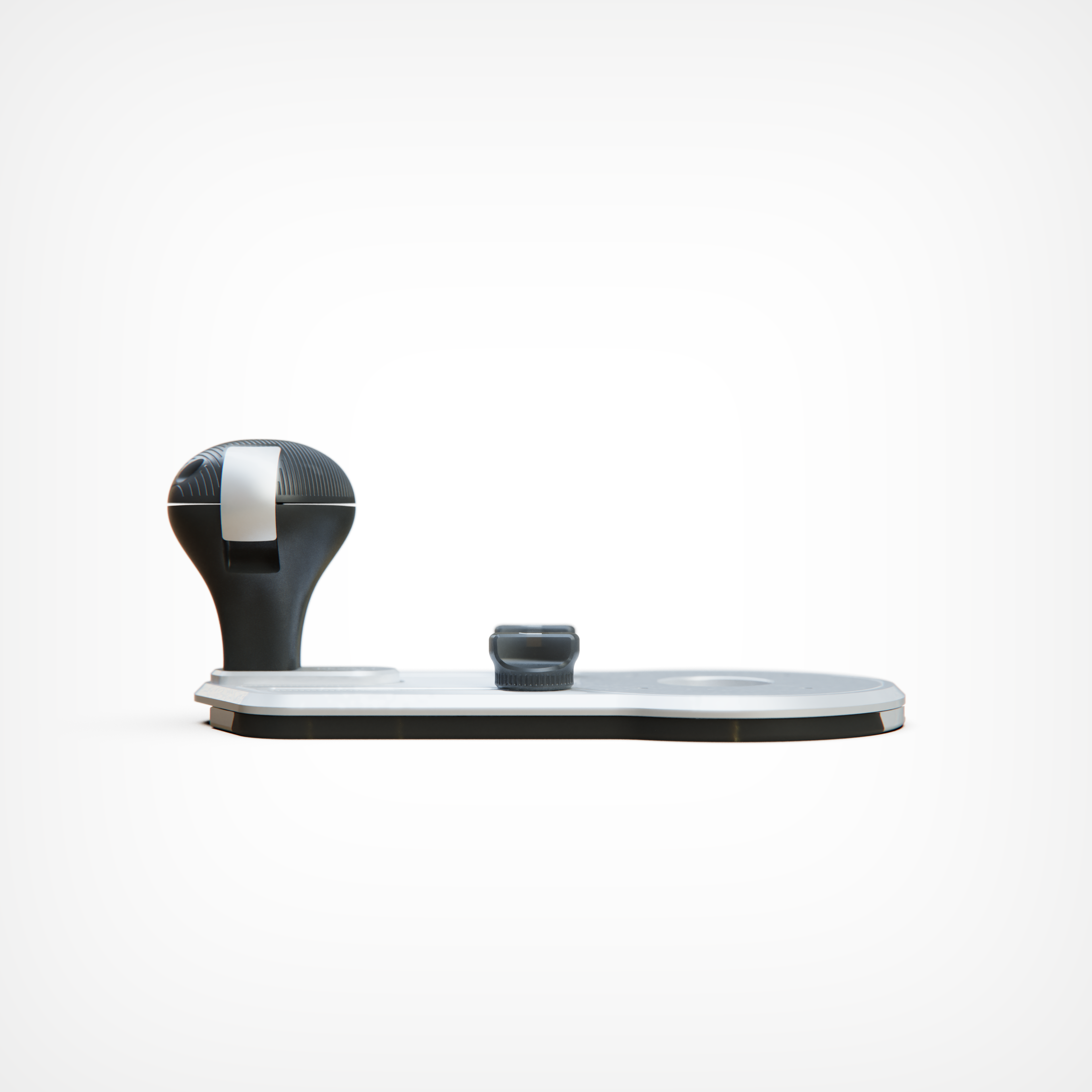
Engineered for maximum versatility, this jig is designed to unlock the full potential of your trim router. Whether you're making mortises or cutting perfect circles, this all-in-one solution simplifies your workflow with precision and ease.


STL ONLY - NO PHYSICAL PRODUCT WILL BE SHIPPED


It features:

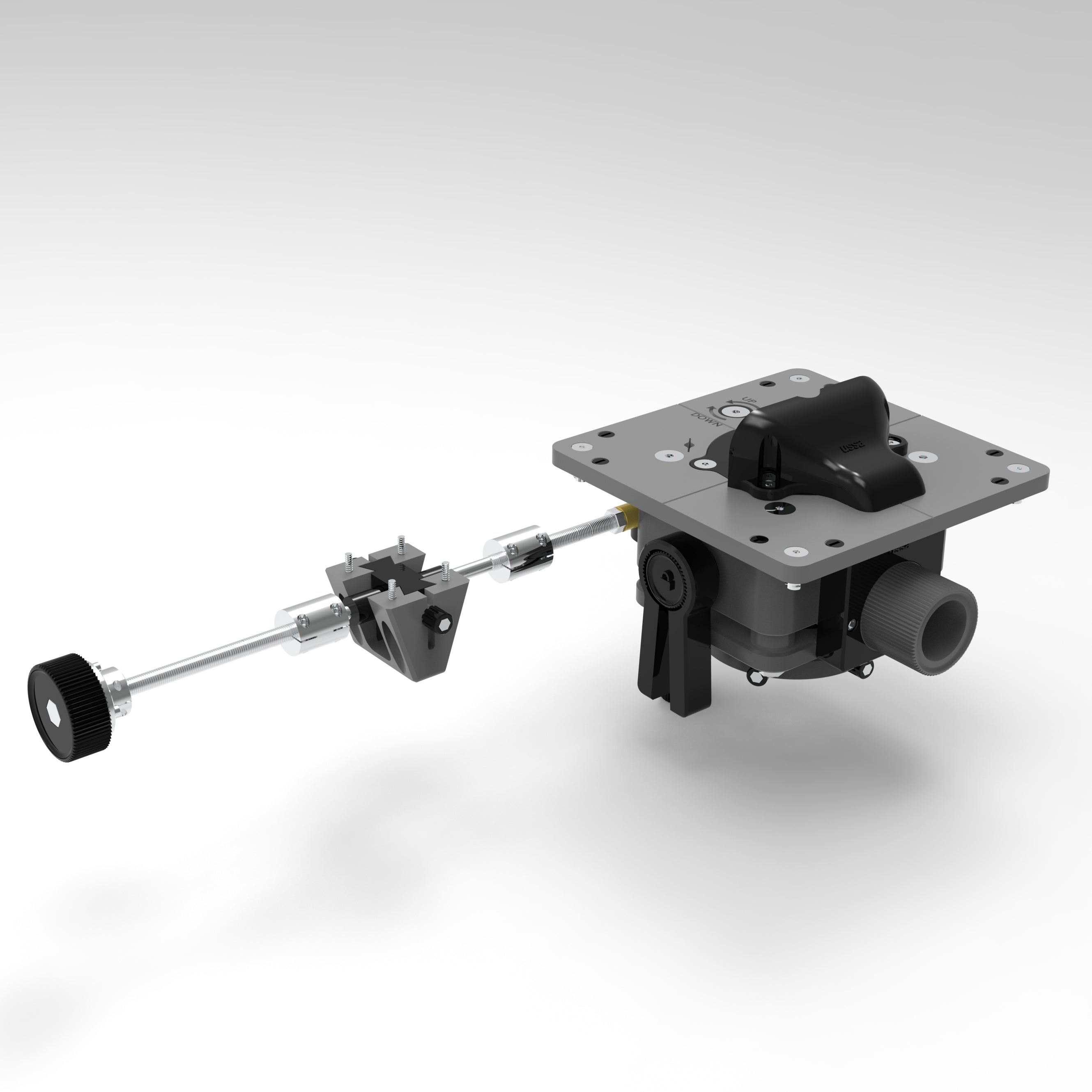
  • Edge Guide & Mortising: Make accurate cuts and clean slots with total control.

  • Circle Cutting: Quickly cut perfect circles of any size.

  • Built-in Exhaust System: Keeps your work area cleaner and reduces dust.

  • Flush Trimming & Bushing Guide: Tackle professional-quality finish work and template routing with ease.

  • Customizable Fit: Designed to fit a wide range of routers—and easily adjustable for others.

Compatible with the following routers:

DEWALT: P611, DCW600
MILWAUKEE: M18 FTR
RYOBI: P601 One
BOSCH: PR20 EVS, GKF 125CEN COLT, GKF550
RIDGID: R2401, OCTANE Cordless
MAKITA: RT0701C, DRT50ZJX, XTR01Z, RT0700C, RT0702C
PORTER-CABLE: PCE6430

Fits your router too!
Easily modifiable to support virtually any trim router on the market.

Upgrade your routing setup with one compact, powerful tool—get yours today!


7 in 1 Trim Router Jig || PIONEER 3D
7 in 1 Trim Router Jig || PIONEER 3D Sale price$39.99 Regular price$50.00

Overall rating: 3.6666667 / 5 from 3 reviews.

AI Generated Review Summary

Summary topics

Review topics: [].

Review highlights

Reviews

Great product. . . but how do I get there?

"I echo what Dmitry G. said. The instructions. . . I'm not sure if I would call them that? Perhaps it would be nice to have a video of him putting it together. There is a video showing much of the construction, but not all. I bit more info on the printing process would be nice. Just like on Makerworld, it would be nice to include the amount of time and the amount of filament required. A suggestion as to the kind of filament along with any other printing notes would be helpful. I'm not sure why he doesn't have any presence on Makerworld as he seems to have a couple Bambu printers."

Cory W. (4/5)

The instructions need to be updated

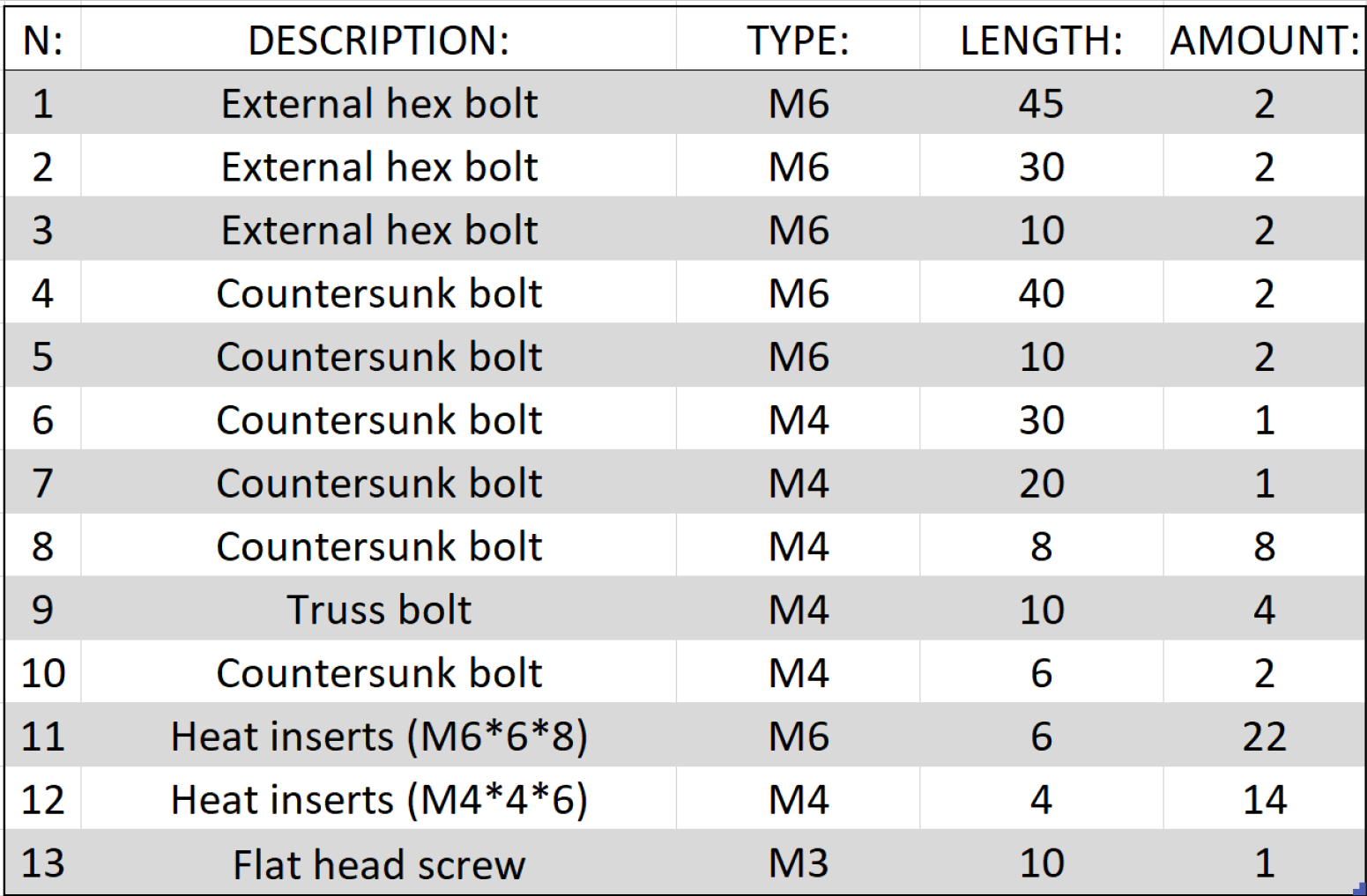
"The instructions were written for the model you have to print the separate guide rails for. If you print the thicker base, which is NOT mentioned in the instructions anywhere, you don't need some of the required hardware. The handle inserts needed to be placed from the top of the plate which is poorly displayed in the included PDF. I insterted them from the bottom which was a mistake and had to further press them so the M6 x 40 screws would reach them. There's also the issue of some of the screw sizes needed to be longer than what was specified. Please update the instructions, it would make it alot easier and clearer. In the end I got the tool put together and can't wait to use it. Thank you for the great model."

Jay (3/5)

Needs better instructions

"I love what USSA does and have been following channel on Youtube for a while. Finally bit the bullet and paid the 40$ for this particular model. Not cheap by any means. My suggestion is make a better instruction to the model as the following is not clear at all. 1. If you are printing a thicker router plate (item 5), then you do not need to print the bottom rails (item 6). 2. Heat inserts diagram is not very clear as well, especially for the 2 inserts that hold the handle as they need to be inserted from the top, not the bottom. Otherwise, great work! Thank you!"

Dmitry G. (4/5)

Q&A

Recently viewed products